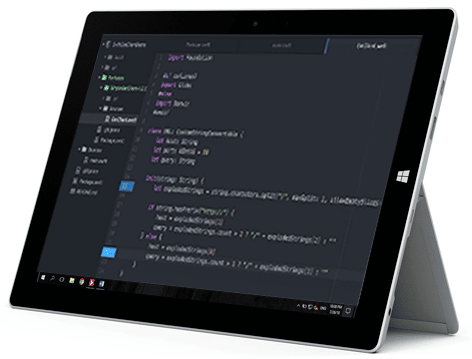
Transforming an idea into functional software requires a lot of effort, and staying on track until the end of the project is only possible when all team members know exactly what they need to do and cooperate effectively with each other. Using a collaborative project management tool can make a difference in the success of a software development project, and Microsoft TFS/Azure DevOps has become a popular choice for developers.
What is Microsoft TFS (Azure DevOps)?
Microsoft Team Foundation Server, or simply Microsoft TFS for short, was launched in 2005 to provide source code management, requirements management, project management, testing, reporting, automated builds, lab management, and version control for software development of all sizes.
It differs from other similar offerings by its ability to be used with many integrated development environments (IDEs), but is best integrated with Microsoft Visual Studio or Eclipse. With Microsoft TFS, teams can create and manage work items, epic events, stories, tasks, and much more to stay on track from start to finish.
Versions of Microsoft TFS released after September 2018 are called Azure DevOps Server and Azure DevOps Services. The former is an on-premises solution that provides the power of Azure DevOps in dedicated environments. The latter is a service running on Microsoft’s cloud platform, Azure. It shares the same code with the on-premises version but does not require installation as users can simply log in with their Microsoft accounts and immediately create an environment and projects.
Main Features of Microsoft TFS (Azure DevOps)
Microsoft TFS is a solution for task tracking, code sharing, and offers a wide range of tools designed to make collaborative software development simpler and more efficient. It supports a wide range of programming languages, including C#, Python, and Java, allowing developers to use the languages they prefer.
Source Code Management
Microsoft TFS integrates with Git, allowing you to clone a repository, add code, and create branches without resorting to a third-party tool. Collaboration and code sharing among teams can be optimized by retrieving code from any project, using filters, code previews, visualization,… Users can set branch policies to request code reviews or automatically add reviewers and use pull requests to review and merge code from a branch to a main branch.
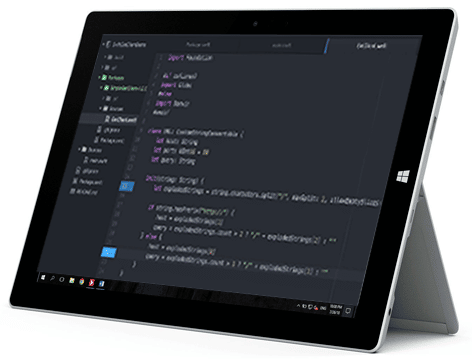
Source Code Integration
Requirements Management
Since Microsoft TFS integrates with Excel, Project, and PowerPoint, clients can illustrate their needs using familiar tools, and permissions can be granted to individual users based on existing needs. With configurable widgets, requirements can be easily monitored directly from the dashboard.
Project Management
Microsoft TFS supports both agile project management and waterfall project management, with customizable workflows from a set of states, transitions between states, and reasons for transitioning the work item to the selected state. Project managers can create and organize backlogs, estimate work to be done in upcoming sprints using the forecasting tool, visualize ideas on a storyboard, and generally plan work in the way that suits them best.
Reporting
Microsoft TFS allows you to track the quality of software under development with comprehensive reports that use default SQL Server Reporting Services reports that aggregate metrics for work items, version control, test results, and builds. Project management reports, whose creation and access can be controlled by the user, provide an overview of team work during a sprint or release.
Automated Builds
Automated builds support the creation, testing, and publishing of software faster and more frequently, and can be enhanced with scripts to add business logic to the build process. Retention policies automatically remove old completed builds to reduce clutter, and granular permissions determine who can set, delete, and manage releases.
Lab Management
Introduced in Microsoft TFS 2010, Lab Management allows developers to deploy and test their applications on virtual machines. Over the years, lab management has been enhanced through Azure integration and the scalability of endpoints of other features that make it an integral part of build and release management.
Testing
Microsoft TFS offers comprehensive testing features, supporting exploratory, manual, system, and user acceptance testing for any application, in any language. Coded UI tests can be created using Visual Studio to test the application’s user interface, and Azure test plans facilitate the creation of exploratory tests. Customizable test environments allow you to specify a combination of hardware and software that best represents the target environment.
Version Control Features
Microsoft TFS helps developers reduce time to market by introducing greater agility into the release process. Applications can be deployed across all platforms in all pipeline environments with a single selection and a complete history of all tasks performed in a logged release. Detailed monitoring of releases and approvals ensures perfect traceability.
The Need for a Dedicated Requirements Management Tool
Although Microsoft TFS provides the tools you need to manage requirements, the interface and client-side features are lacking. The good news is that the gap in requirements management can be filled with a dedicated requirements management tool, such as Visure Requirements ALM.

Dashboards — Visure ALM Requirements
Visure and Microsoft TFS (Azure DevOps)
The Visure platform allows you to use the methods and tools you already know, enabling you to work the way you want, not the way your provider requires. It links to development tasks, adapting to different teams and cultures.
Visure eliminates the need for manual synchronization and increases productivity by automating repetitive tasks and migrating data between these two complementary tools.
Conclusion
Visure Requirements ALM bridges the gap between Microsoft TFS and requirements management, providing comprehensive support for the entire requirements process and allowing users to continue using their own tools while keeping everything centralized.
Ask us your questions Try Visure FREE Other articles on the topic:
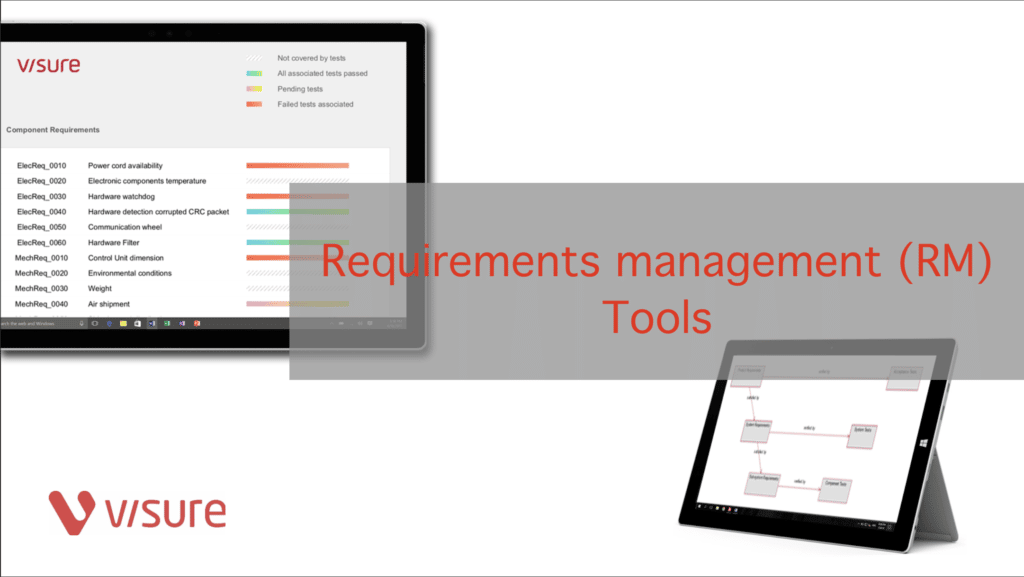 Learn more about the requirements management tool
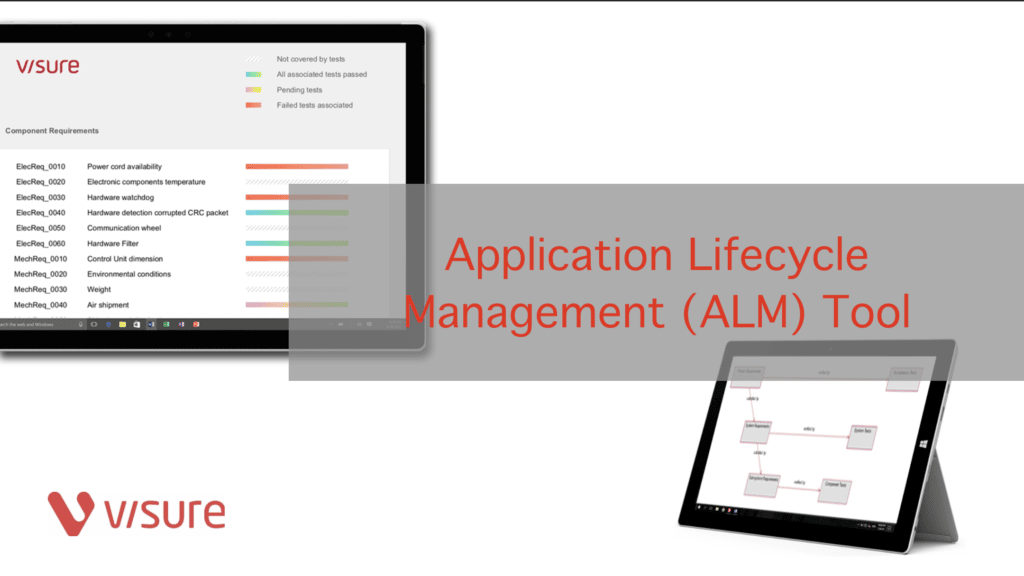 Learn more about the ALM Instrument
Tag: team foundation server