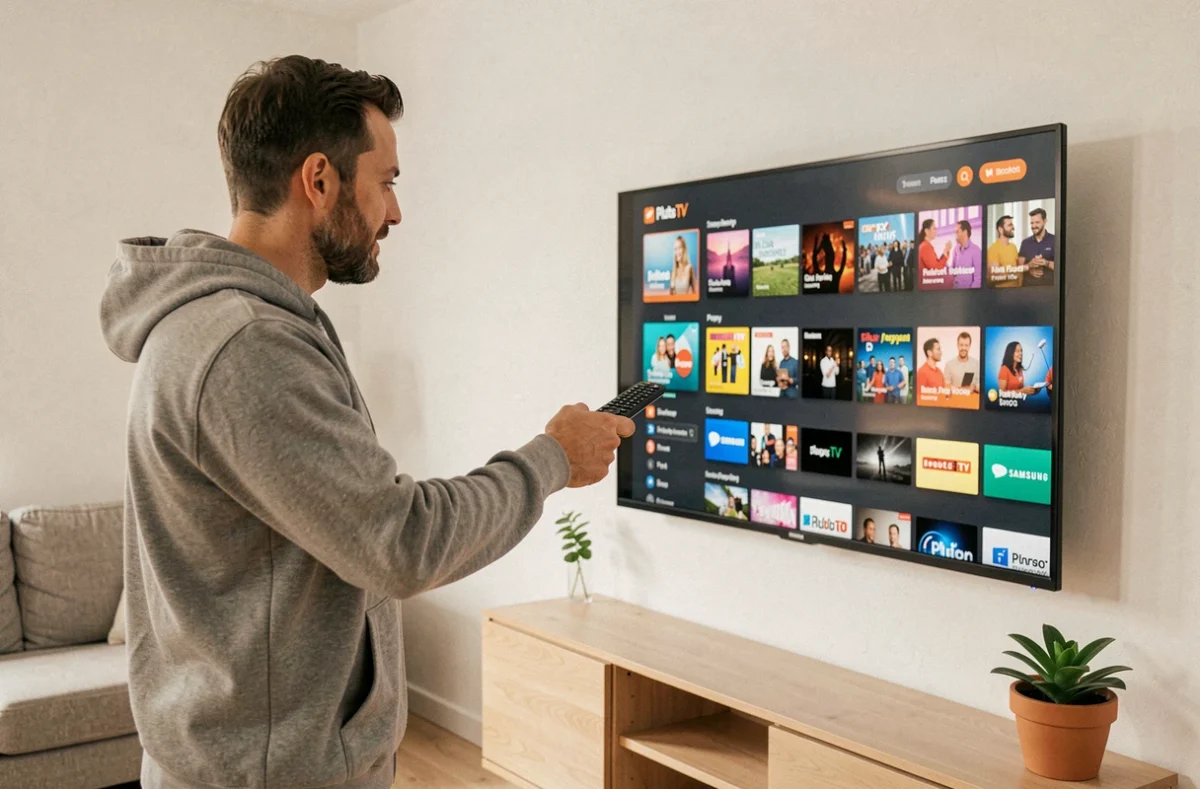
Your Samsung TV is on, the remote is in hand, and you are looking for a way to access free channels without a subscription. Pluto TV meets this need exactly: an ad-supported streaming service with live channels and on-demand content. However, you need to know where to find the app and how to make it work depending on your TV model.
Tizen, model year, and actual compatibility on Samsung
Before even opening the app store, a check is necessary. Compatibility depends on the generation of the TV, not just the brand. A Samsung from 2014 running an older system will not offer the same apps as a recent model running Tizen.
Have you noticed that some apps simply do not appear in the store? This is often related to the software platform. Samsung Smart TVs run on Tizen, Samsung’s proprietary system. If your TV is from before 2015, there is a good chance that the Pluto TV app is not available directly.
To check your model year, look at the full reference in the TV settings, under the “About” or “System Information” section. The letter following the screen size in the model number usually indicates the year of manufacture. Knowing this information will save you from searching for an app that cannot be found on your device. Several tips for enjoying Pluto TV exist depending on the generation of your Samsung.
Pluto TV or Samsung TV Plus: do you really need to install an additional app?
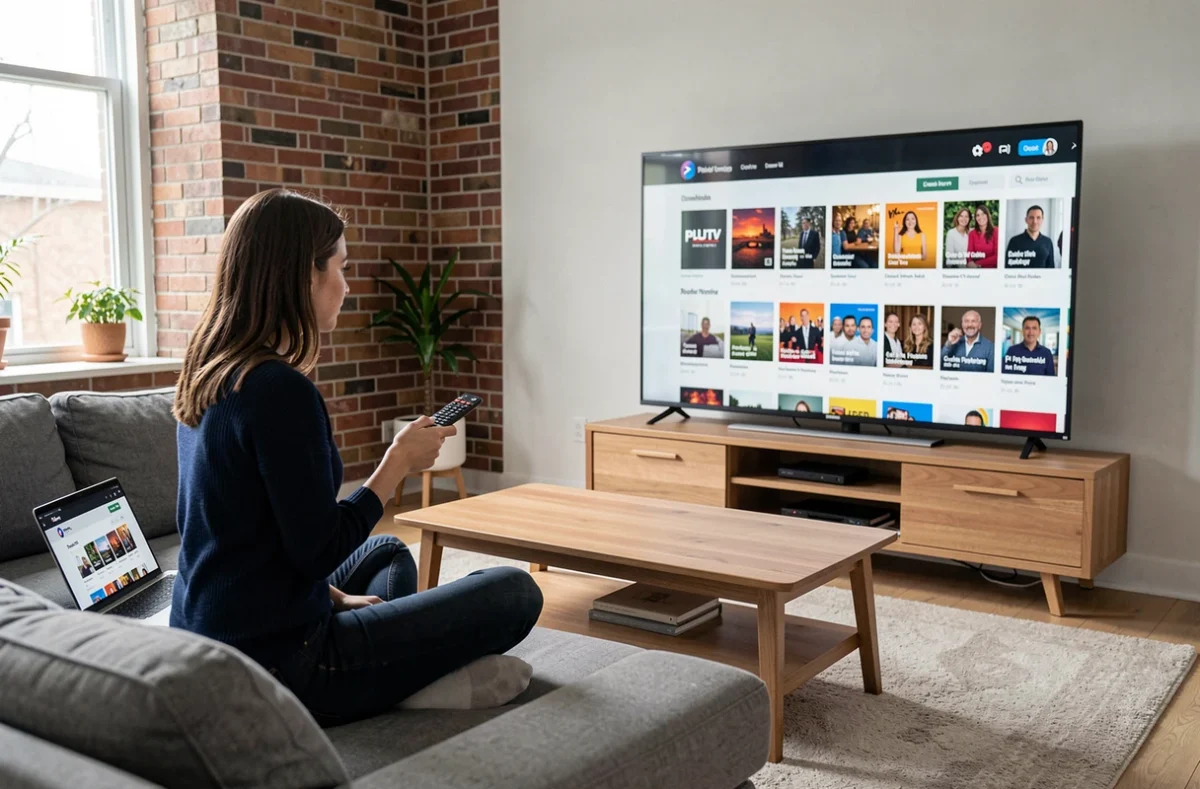
Few articles ask this question, yet it changes everything. Samsung TV Plus is already integrated on recent Samsung Smart TVs. This service also offers live channels and on-demand content, funded by advertising, just like Pluto TV.
Why install Pluto TV if Samsung TV Plus is already there? Because the catalogs differ. Pluto TV offers its own themed channels (movies, series, documentaries, comedy) with distinct programming. The two services coexist without issue on the same TV.
If your sole goal is to watch free channels without creating an account, try Samsung TV Plus first. If the catalog does not suit you or if you are looking for specific channels on Pluto TV, then proceed to the installation.
Search for and install Pluto TV from the Samsung Smart Hub
On a compatible TV, the procedure goes through the Smart Hub, the central interface of your Samsung. Here are the concrete steps:
- Press the Home button on the remote to open the Smart Hub, then navigate to the “Apps” or “Applications” section
- Use the search function (magnifying glass icon) and type “Pluto TV” to locate the app in the store
- Select the app from the results, then click “Install” and wait a few seconds for the download
- Once installed, the app appears on your home screen or in the list of recent apps
No user account is required to start watching. Pluto TV works without registration. You can launch the app and flip between channels immediately.
The app does not appear in the search
If the search yields no results, start by checking that your TV is properly connected to the internet. A Wi-Fi connection problem prevents access to the app store.
Next, check that your TV’s software is up to date. Go to Settings, then Support, then Software Update. A system update may unlock access to recent apps.
If after these checks the app remains unavailable, your model is likely not compatible. Two fallback solutions then exist.
Alternative solutions when the Samsung TV is too old
A TV that does not support Pluto TV natively is not a dead end. The most reliable method is to use an external device connected via HDMI.
Use an Android TV box or HDMI stick
An Android TV box (like the Xiaomi Mi Box or the Nokia Streaming Box) provides access to the Google Play Store, where Pluto TV is available for download. An Amazon Fire TV Stick also works. The box turns any TV into a compatible Smart TV.
Plug the device into an HDMI port, connect it to Wi-Fi, then install Pluto TV from the app store of the device. The Samsung TV then serves only as a screen.
Screen mirroring from a phone
Samsung states that Smart View works on Smart TVs running Tizen sold since 2015, and AirPlay on those sold since 2018. The phone and the TV must be connected to the same Wi-Fi network.
This method is a workaround, but it keeps your phone engaged for the entire viewing duration and the image quality depends on the stability of your local network. For regular use, the HDMI box remains more comfortable.
Troubleshooting Pluto TV on Samsung: steps in the correct order
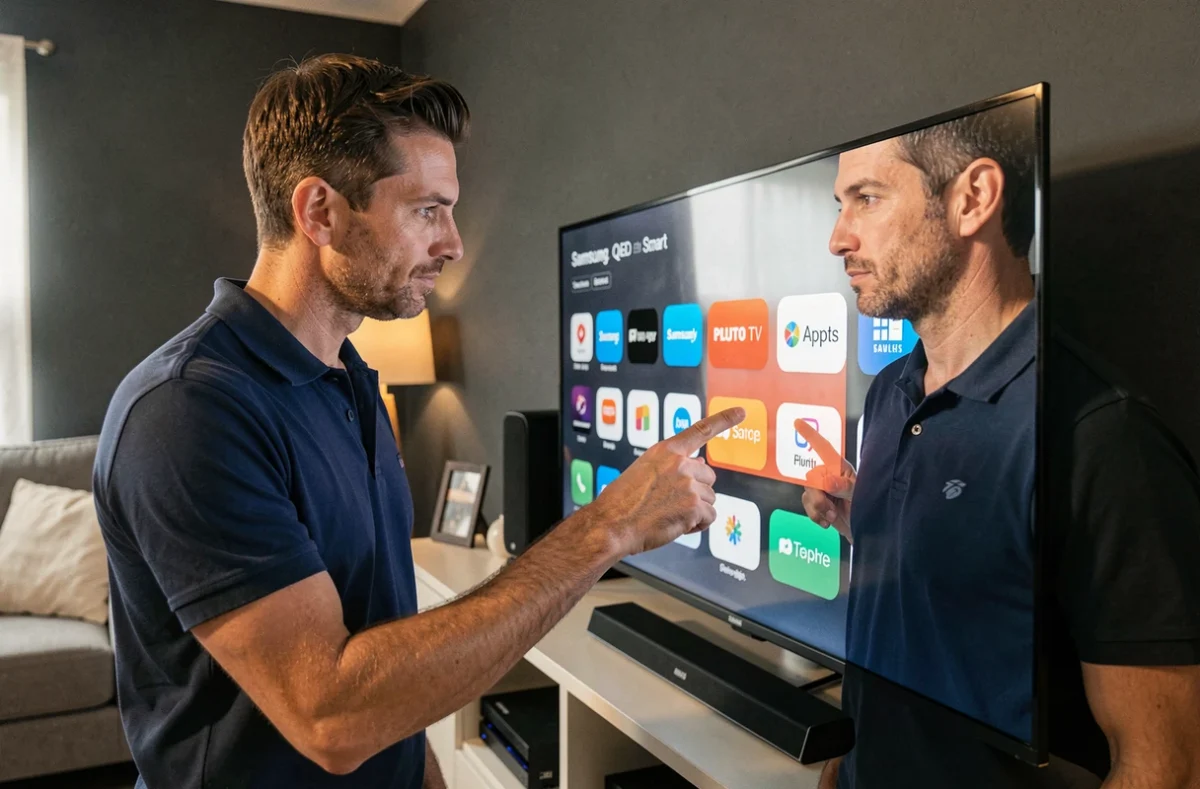
The app is installed but crashes, lags, or refuses to load channels? Samsung recommends following a specific order before resetting everything:
- Restart the TV by unplugging it from the outlet for about thirty seconds (a simple remote shutdown is not always sufficient)
- Update the TV’s software via Settings, Support, Software Update
- Delete the Pluto TV app and then reinstall it from the Smart Hub
If none of these steps resolve the issue, resetting the Smart Hub is possible. Caution: this operation disconnects your Samsung account and removes all installed apps. You will need to reconfigure everything. That is why Samsung places it as a last resort in its troubleshooting path.
A final useful reflex: check that your internet connection is stable enough. Live streaming is more sensitive to micro-cuts than playing a downloaded file. If other streaming apps work normally, the problem likely comes from Pluto TV itself, and a clean reinstallation resolves most cases.